

Hotel Lobby AI video generator
MP4 with audio · No watermark · About 3 minutes · 9 templates
What you get back
One file, ready to post. No export step, no watermark to crop out.
An MP4 you can post as-is
480p, 720p or 1080p
Ready in about 3 minutes
Two photos, nothing else
Any duo — including pets
Failed renders cost nothing
The four quality tiers
Credit cost scales with duration, so every figure below is the price of that exact combination. A full 15-second Standard video is 60 credits.
| Tier | 5s | 10s | 15s | Resolution | Best for |
|---|---|---|---|---|---|
| Lite | 10 credits | 20 credits | 30 credits | 480p | Checking that the likeness is right |
| Standard | 20 credits | 40 credits | 60 credits | 720p | The default choice for posting |
| Plus (Like the samples) | 50 credits | 100 credits | 150 credits | 720p · sharper | Matching the look of the samples |
| Ultra | 210 credits | 420 credits | 630 credits | 1080p | 1080p for larger screens |
Which one should you pick first?
Start with Lite at 5 seconds. It is the cheapest way to find out whether the likeness is right, and it is what the free signup credits cover. Once the faces look correct, re-render at Standard 15 seconds for the version you actually post.
Choose Plus if you want the output to match the sample videos on the homepage — it uses a sharper model and is the tier the samples were made with. Choose Ultra only if you are posting somewhere that will not compress it.
9 templates, one workflow
Same two photos, same steps. Only the staging changes.
| Template | What the setting is |
|---|---|
| Original | The original Hotel Lobby moves and song. |
| Booth | The Hotel Lobby orange booth with a brand-new rap written for you. |
| Lobby | Marble floors, gold elevators and a crystal chandelier. |
| Studio | Foam walls, a mixing desk and purple LED glow. |
| Street | A graffiti wall at night under orange streetlights. |
| Rooftop | Golden-hour skyline with string lights overhead. |
| Neon Club | Pink and cyan neon, haze and a dark stage. |
| Birthday | Balloons, streamers and a cake with candles. |
| Halloween | Glowing pumpkins, cobwebs and purple moonlight. |
The photo rules that fix most bad results
Almost every weak render traces back to one of these five things.
- One person per photo. Two separate photos, not one photo of both of you. A single group shot makes the generator guess which face belongs on which side, and it guesses wrong often.
- Front-facing, face clearly visible. A three-quarter angle or a profile gives the model less to work with. Straight on, eyes to the camera.
- No sunglasses, no heavy filters. Both hide the features the model needs to keep consistent across the whole clip.
- As much of the body as possible. Shoulders and torso help the movement look natural rather than pasted on. A tight headshot still works, it just moves less convincingly.
- Crop group photos first. Cut each person out into their own image before uploading. One face filling the frame beats five faces in a crowd.
What the generator will not do
Worth knowing before you upload, so you are not surprised afterwards.
- It will not put more than two people in the shot. The format is a duo. A third person in either photo will either be ignored or blur the identity of the two that matter.
- It will not fix a photo it cannot read. If the face is in shadow, motion-blurred or turned away, the render will look like the wrong person. Upload a different photo instead of re-running.
- It will not use photos of people who have not agreed. Use your own photos and photos of people who consented. Do not use photos of minors without a guardian's consent, and do not impersonate public figures.
- It will not reproduce the original recording. This is an independent tool that recreates the format. It is not affiliated with Quavo, Takeoff, Offset or COLORS.
Generator questions
Specs, credits and inputs.
What do I need to upload?
How much does one render cost?
Is there a watermark?
What resolution are the videos?
Can I choose a different setting than the orange booth?
What happens if a render fails?
Keep reading
The other guides, if you want the full picture before you upload.
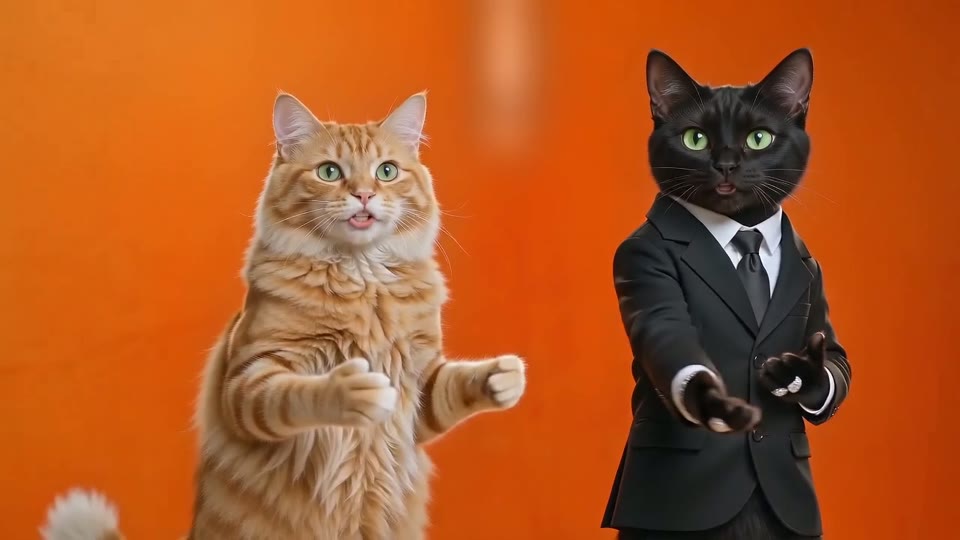
Hotel Lobby AI
The trend behind the Hotel Lobby AI video: where it came from, the timeline, and duo ideas to try.
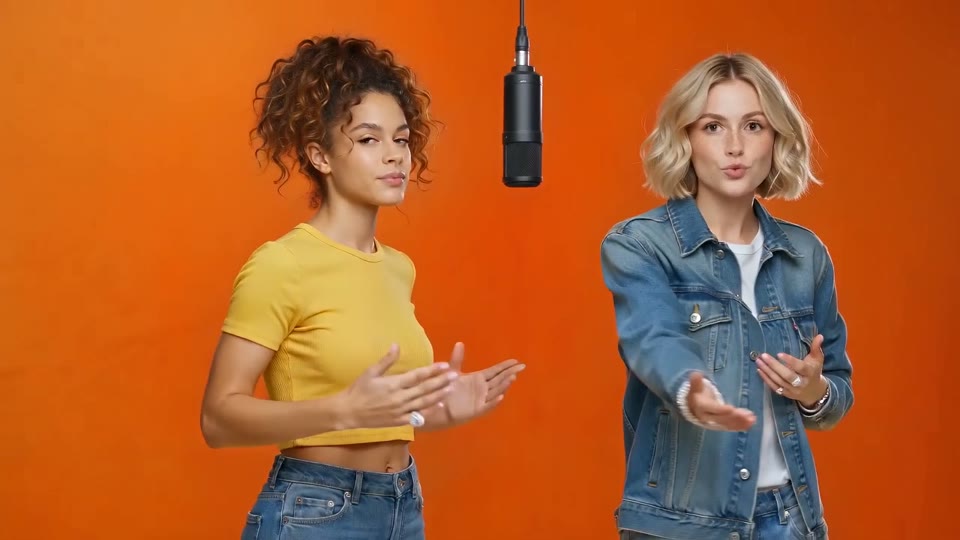
How to make a Hotel Lobby AI video
The three steps in detail, with the checklist to run before you post.
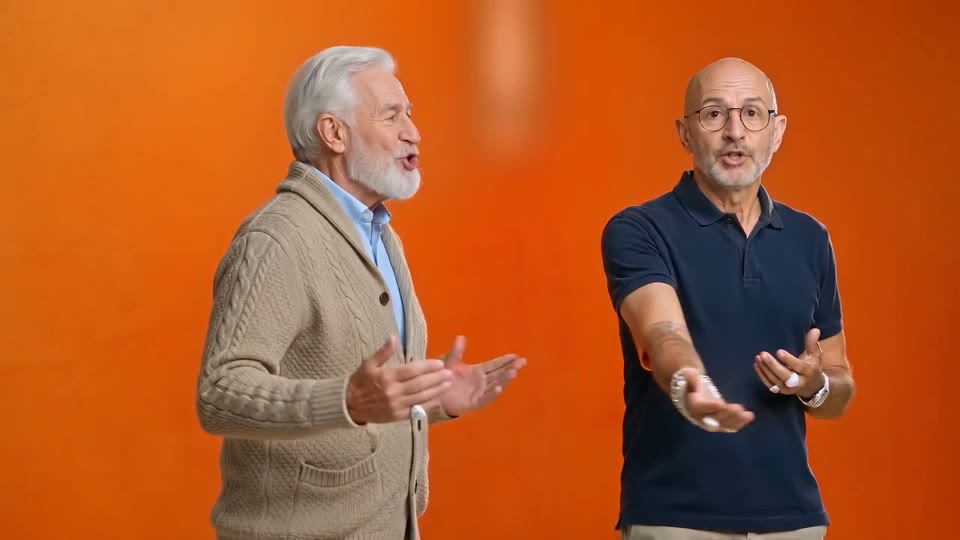
The Hotel Lobby AI song
What the song in every video is, where it came from, and how to post with it.
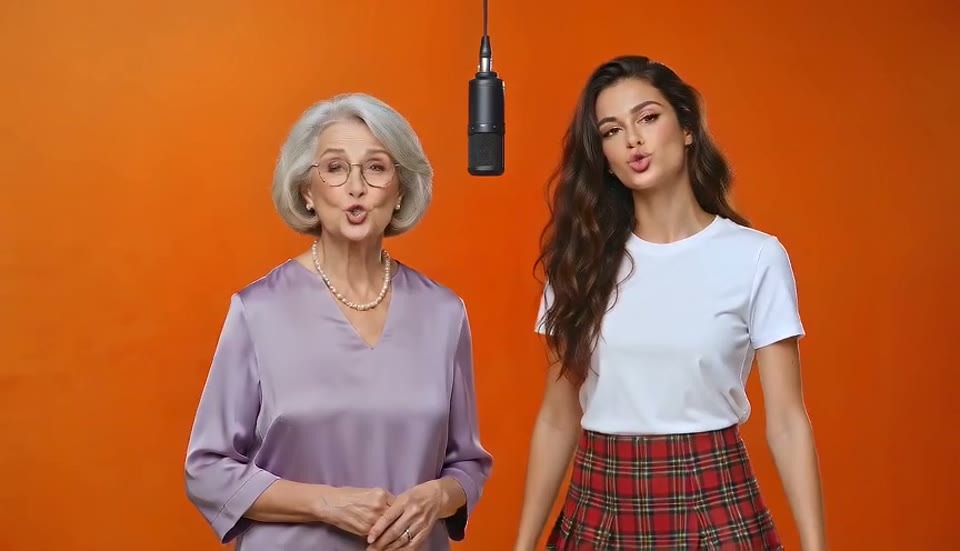
Hotel Lobby AI free
What the free 5-second preview includes, what a full video costs, and how other free options compare.